
Being able to quickly isolate and cut out any object in a photo is really important for every image editor. Vertus Fluid Mask offers a quick, yet very efficient solution for this task.
Vertus Fluid Mask is a professional tool that will help you cut out even the most difficult objects from any image. According to each user’s needs, it can be used as a stand-alone program or as an add-in for Adobe Photoshop.
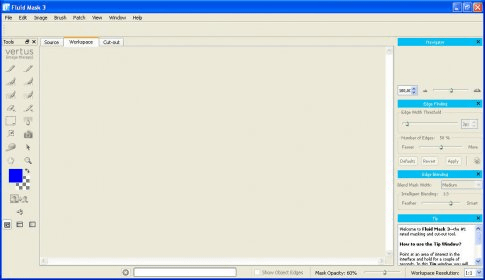
This powerful application can automatically detect edges and colors, helping you easily select the objects that you want to cut or keep. Moreover, it offers several customizable brushes, which will enable the more advanced users come up with great looking results.
The thing that impressed me most about Vertus Fluid Mask is that its webpage offers a wide selection of video tutorials, which will come in handy for novices as well as for the experienced users. These tutorials will not only assist you in figuring out how to use the application, but also in solving difficult tasks or improving your workflow.
Ultimately, I think that Vertus Fluid Mask is a really handy tool that is worth trying out. Although it can only save your output files as PNG or TIFF images, this program focuses on users comfort without disregarding the professional aspects of its job, so it’s definitely worth its price.






Comments (2)